Create a template
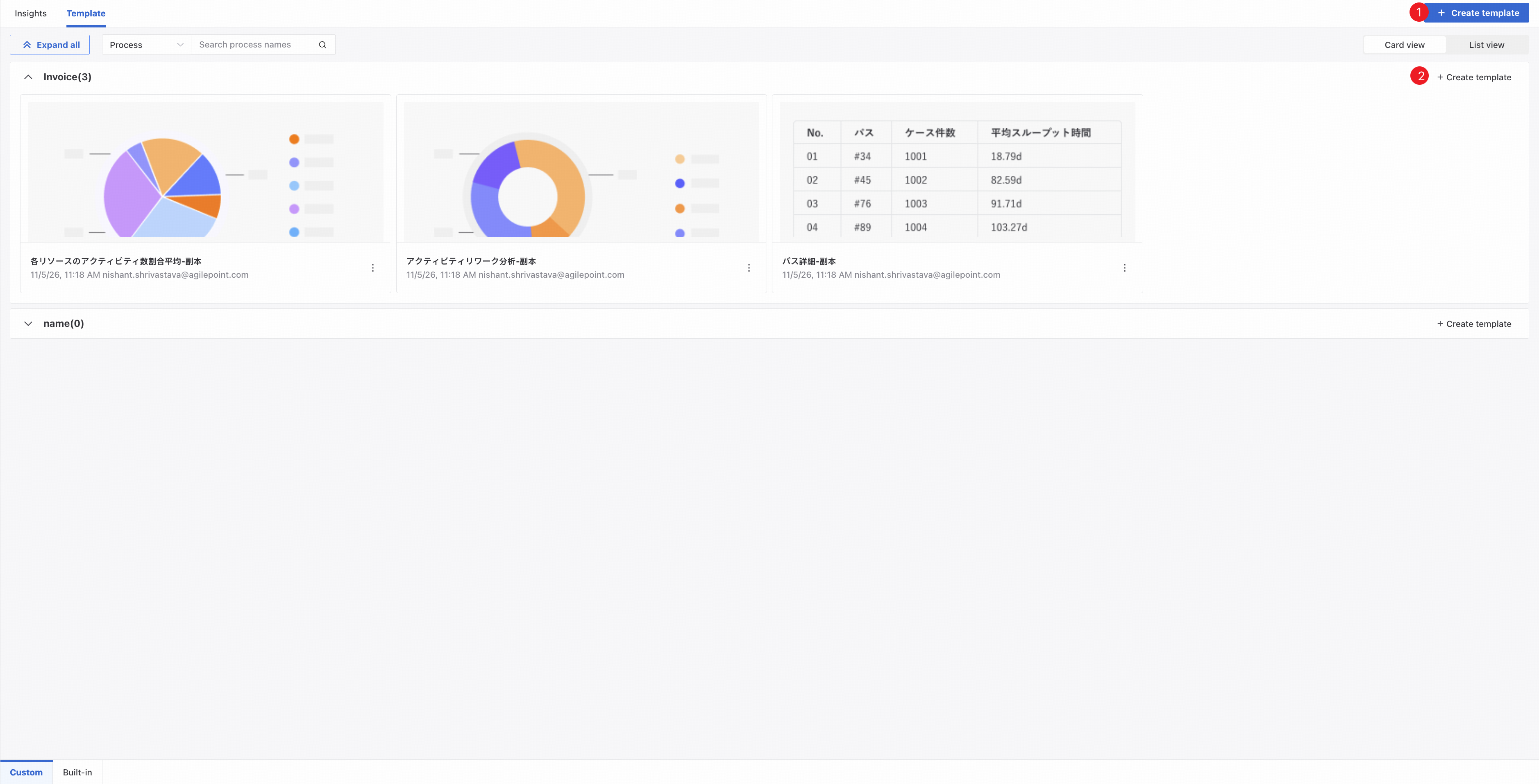
❶ Click Create template in the upper-right corner of the Template list, then select a process and name the template to create it in that process.
❷ Click Create template within a process section and enter a name to create a template in that process.
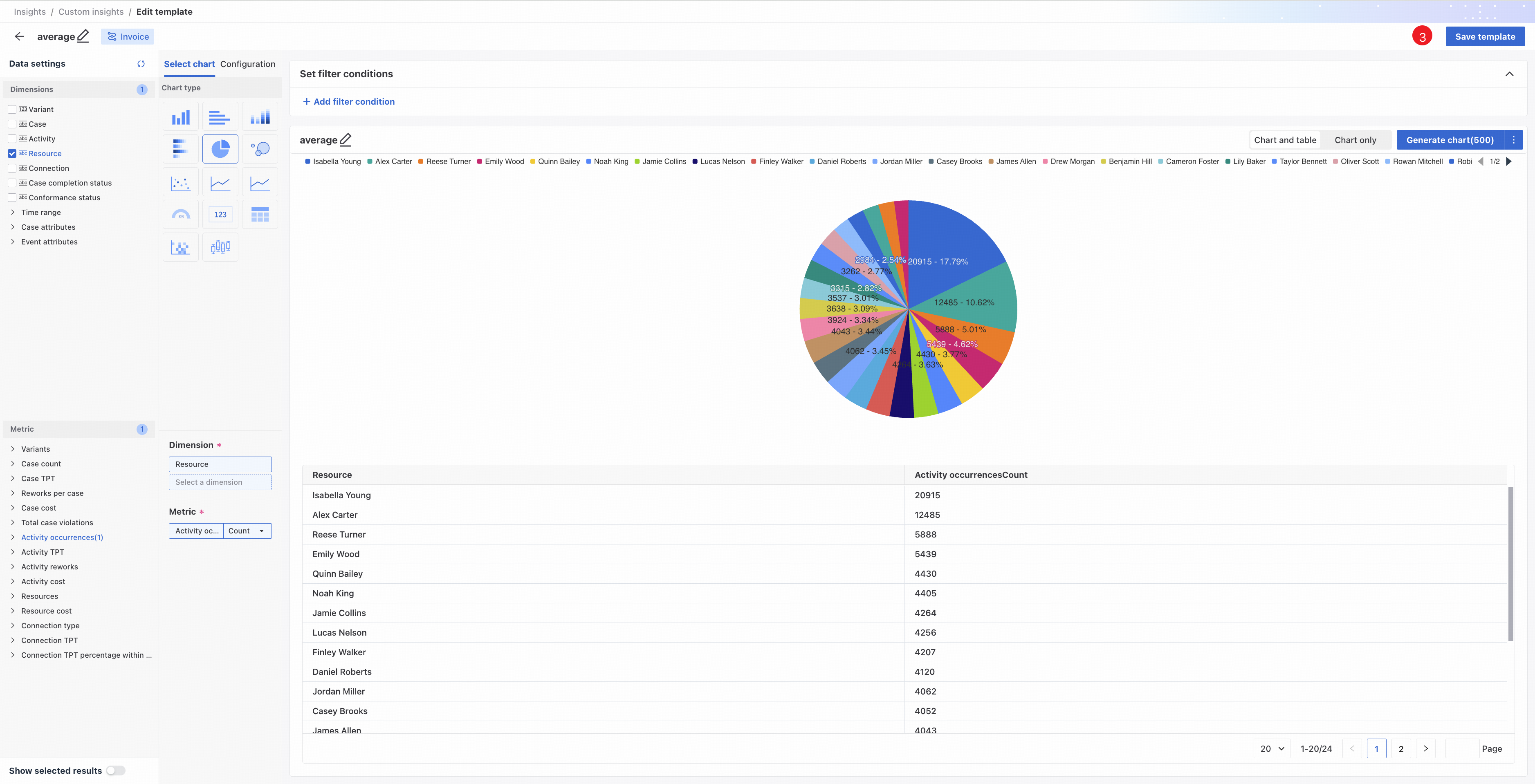
❸ On the chart and table creation page, click Save as template, enter a name, and save the current chart as a template for the current process.