Edit an insight
Click Edit in the insight preview or Insight list to open the editor.
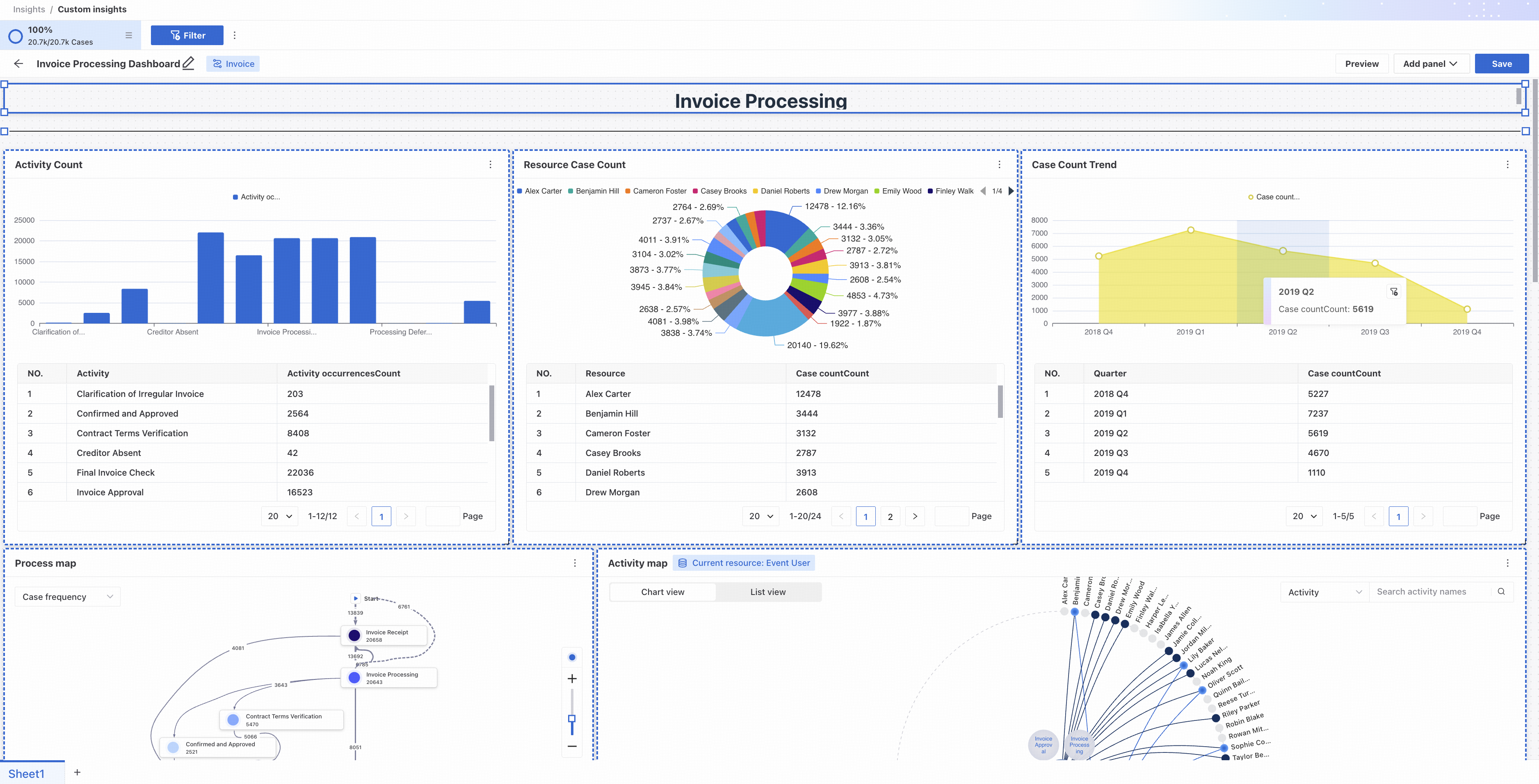
- Process map: rename or delete the panel.
- Tables and charts: click Edit to open chart and table creation and change settings. You can also rename or delete the template.
- Text: edit the text and its formatting directly.
- Image: change the border color or delete the image.
- Line: edit the line.
- Layout: drag panels or lines to rearrange them and improve the insight's presentation.
Click Preview to check the current appearance temporarily.
When editing is complete, click Save to save the insight.
Edit mode supports insight filtering. For instructions, see Insight filters.