File management
Manage all uploaded files here.
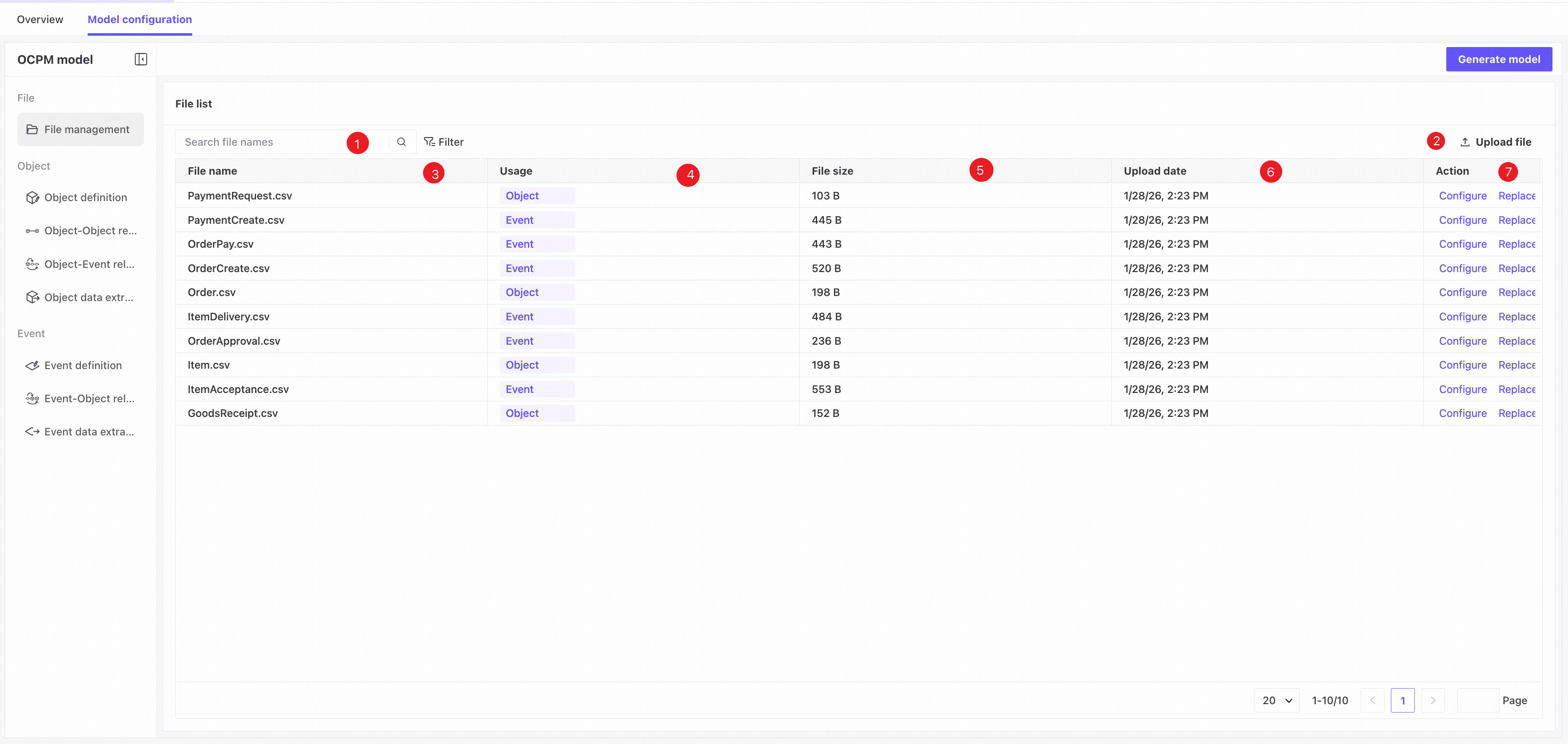
❶ Search by file name or use filters to find matching files.
❷ Click Upload file to open a dialog and add more files.
❸ File name.
❹ Usage: check whether the file is used to define objects or events.
❺ File size.
❻ Upload time.
❼ Actions: configure, replace, or delete a file.
- File configuration
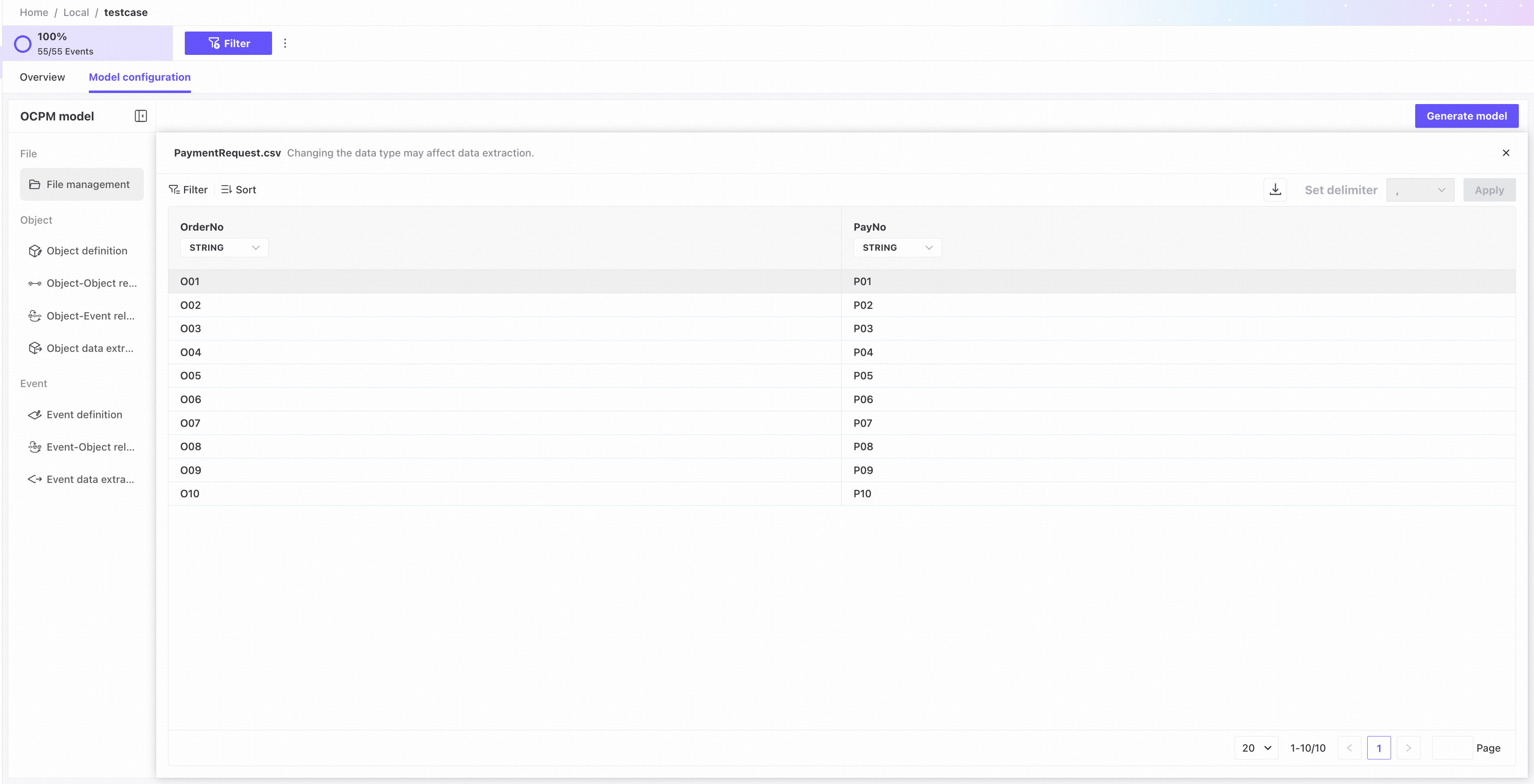
Open file configuration to view source data, change the CSV delimiter or column data types, or download the file.
The delimiter cannot be changed for files in use.
Changing the type of a column in use may require data to be extracted again.
- Replace file: select a new file to replace the current one.
The replacement file must have exactly the same column count and names, and each column must be compatible with the currently configured data type.
After replacing a file, extract the corresponding data again.
- Delete file: remove the file.
Files in use cannot be deleted.